Another CRTSim Renderer entry! Since the release I've been comparing the renderer against Super Win the Game itself, with the game running and its frames read back pass by pass. That turned up a few things the public CRTSim code doesn't tell you, so the Super Win the Game look is a lot closer to the real thing now.
The bloom
In the game, the bloom doesn't read the picture itself: it reads a shrunk copy of it, so each tap of the blur averages a 16×16 block of pixels. The public code reads the full picture, which lets the shadow mask leak into the glow. In a still at 1080p you'd hardly tell them apart, but the Super Win the Game look now does it the game's way.
The blacks
Black on the game's screen is never quite black. The glow between frames is kept in 8 bits, and once something has lit a pixel, the rounding holds it at 1 of 255 in red and green for good. The renderer now holds that floor too, so the black level matches the game's.
The rest of the options screen
The renderer now has everything else on the game's video options screen as well: Brightness, FXAA at the game's four levels, tate for a screen on its side, the CRT turned off, and separate spreads for the bloom's two blurs. Each one was checked against the running game. There's also faceted glass, which draws the screen as the game's 3D mesh does, triangle by triangle, stills that come out like the game's screenshots, and a glow that fades once per frame like the game's does on high refresh rate displays.
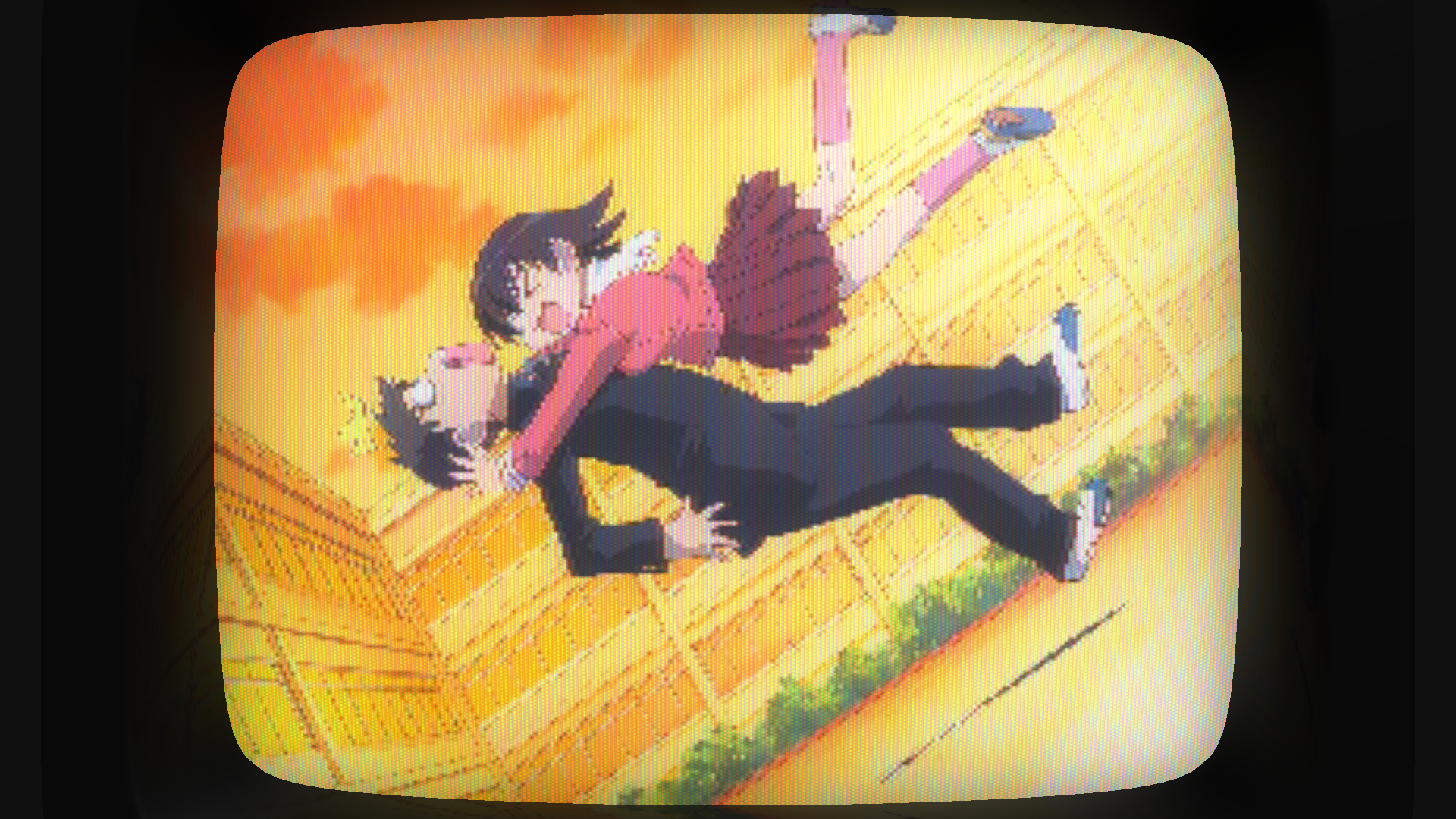
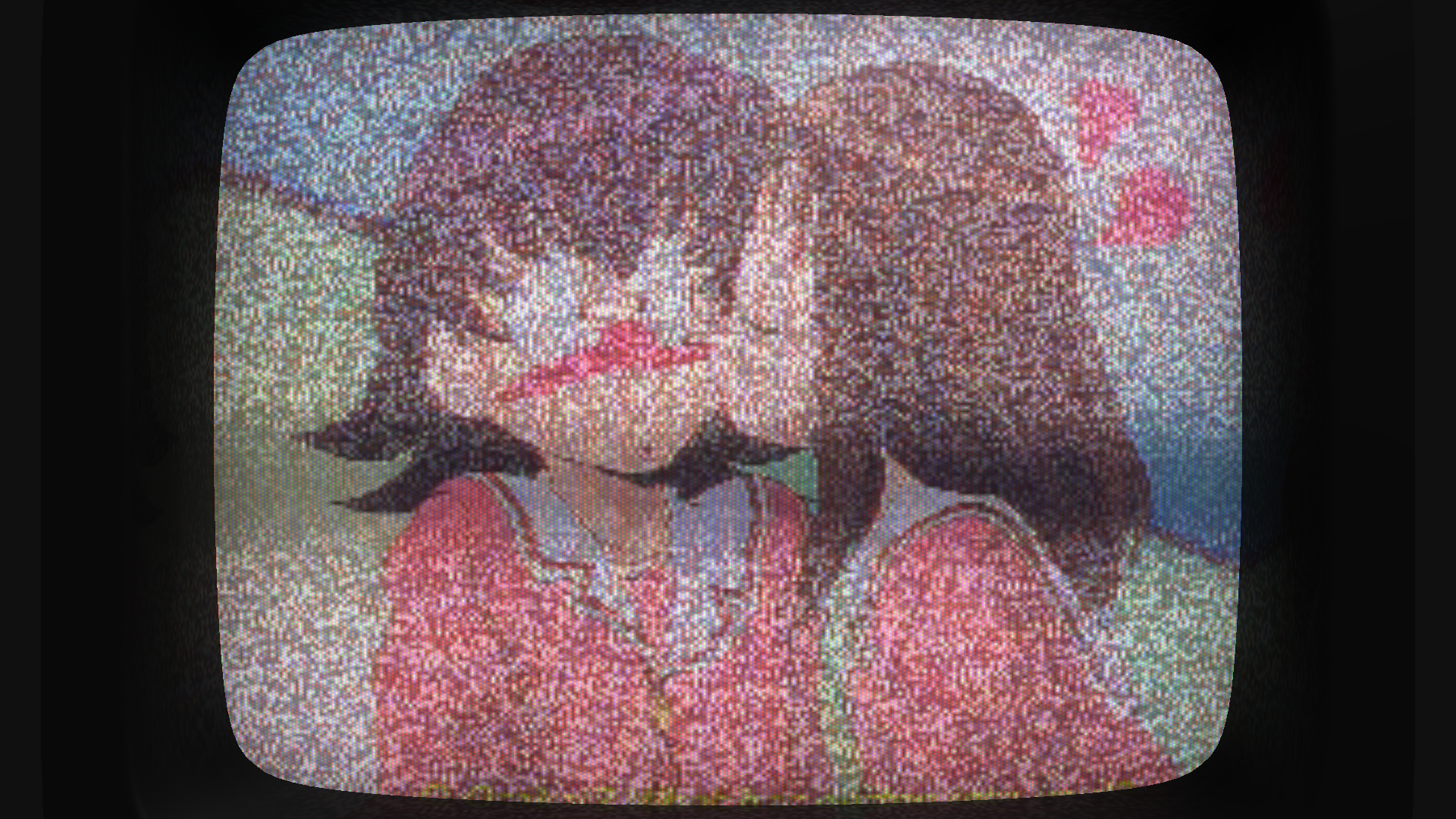
And one thing that isn't from the game: TV static, with a channel cycle that brings the static in and out over a video, for channel-change transitions.
Oh yeah, also I forgot to tell it, but there are now options to export your presers into a ReShade and OBS filters (it's actually been there for a while now). Make sure to adjust your settings appropriately for it.